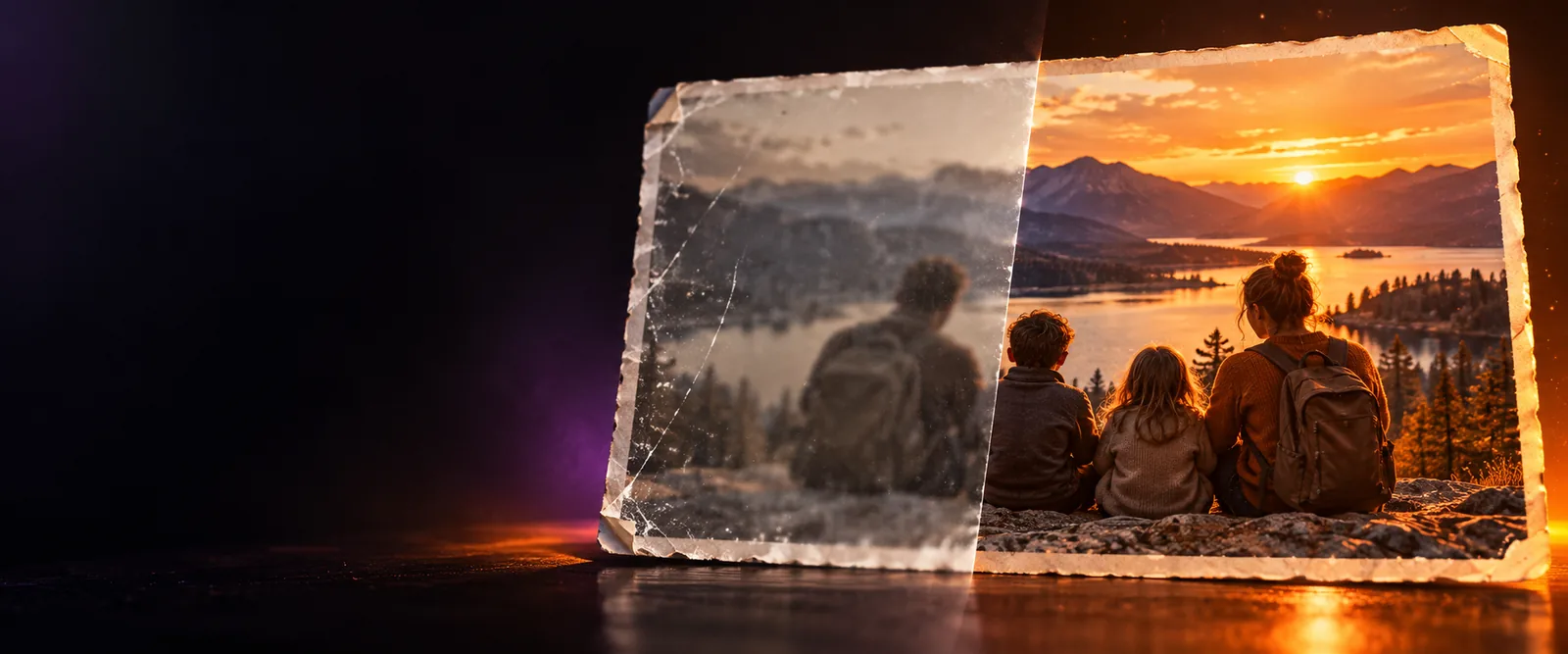
Portrait detail

Give portraits a cleaner finish with an ai face enhancer

An ai face enhancer helps you focus image improvements on faces without treating every part of the picture the same way. Start with a clear portrait, describe the result you want, and review the output before saving it.

Review every generated result
Portrait enhancement workflow

Related paths

Start with the right enhancement route

Choose the page that best matches your source image and the kind of improvement you need.

Practical uses

Who benefits from a face-focused workflow

A focused face workflow is most useful when the person is the visual subject and small changes in clarity or balance matter.

Family photo keeper

An older family portrait is soft, unevenly lit, or slightly faded, but the people should remain recognizable.

You get a cleaner starting point for archiving or sharing while keeping identity review in the process.

ai photo enhancer

Profile owner

A professional or social profile image needs more readable facial detail without turning into an obviously altered portrait.

You can test a restrained enhancement and compare it with the original before choosing a final crop.

ai enhancer for photo

Portrait photographer

A selected portrait has distracting softness, dull contrast, or inconsistent light across the face.

A focused pass can help evaluate whether the image is worth further retouching or color work.

ai image enhancer free

Creative editor

A character portrait needs clearer facial features before it is placed in a poster, concept board, or visual story.

You can refine the face first, then decide whether a broader image treatment is appropriate.

image color enhancer online free

Privacy-conscious editor

A portrait needs visible cleanup, but you want to avoid an overly generative treatment that changes the whole image.

A focused comparison makes it easier to reject results that introduce unwanted identity or background changes.

image enhancer no ai

Simple workflow

Run one portrait through the process

Keep the first pass specific and conservative. A clear request makes it easier to judge whether the result improved the face or merely changed it.

  1. 1

    Choose the strongest source

    Upload the clearest version of the portrait you have. Avoid screenshots, heavy filters, and images where the face is mostly hidden.

  2. 2

    Describe the intended change

    Ask for targeted improvements such as clearer eyes, balanced facial light, natural skin texture, or reduced softness. State what must remain unchanged.

  3. 3

    Compare before choosing

    Check identity, expression, skin texture, hairline, background edges, and small features against the original before accepting the result.

Quality checks

Use a few measurable checks

There is no universal quality score for every portrait. Judge the output with consistent checks instead of relying on a single impressive close-up.

of the face should remain recognizably the same person
100%
unrequested identity or expression changes should be accepted
0
before-and-after comparison keeps the review consistent
1:1

Honest boundaries

What this route cannot fix reliably

Face-focused enhancement can improve visible detail, but it cannot recover information that was never captured or guarantee a faithful result in every image.

Severe blur cannot become original detail

When facial features are only a few indistinct pixels, the system may invent plausible structure instead of recovering the real face.

Workaround

Use the highest-resolution source available and compare every feature with a reference image.

Covered faces remain covered

Hair, masks, hands, glare, and extreme shadows can hide key features that a face-focused pass cannot verify.

Workaround

Crop or select a clearer frame when possible, and avoid asking the tool to guess hidden details.

Identity is not guaranteed

An enhancement may alter eyes, skin texture, age cues, or expression, especially when the source is low quality.

Workaround

Keep the original beside the result and reject any change that affects recognition.

It does not replace full photo editing

A face-focused pass will not automatically correct every background, composition, color, or object-level problem in the image.

Workaround

Use a broader photo or image workflow for issues outside the subject's face.

Choose your scope

Face-focused enhancement versus general image work

Both approaches can support a better-looking picture, but the right choice depends on whether the face or the entire frame is the main problem.

Face-focused enhancement
General image enhancement

Primary subject

Face-focused enhancement

A visible face or portrait subject

General image enhancement

The complete image and its surrounding elements

Best starting point

Face-focused enhancement

Portraits where facial clarity is the main concern

General image enhancement

Images with broad softness, noise, or detail loss

Review priority

Face-focused enhancement

Identity, eyes, expression, and skin texture

General image enhancement

Overall sharpness, composition, color, and background

Risk to watch

Face-focused enhancement

Unwanted changes to facial structure or expression

General image enhancement

The face may receive less targeted attention

Useful instruction

Face-focused enhancement

Name the facial details to improve and what must stay unchanged

General image enhancement

Describe the image-wide correction you want

When to switch

Face-focused enhancement

Move away when the background or full frame is the real problem

General image enhancement

Use this scope when several image regions need equal attention

Next portrait pass

Put your clearest portrait through a focused review

Describe the facial detail you want improved, then inspect the result against the original. A careful comparison helps you keep natural texture and reject changes that do not represent the person.

Enhance a portrait
  • Name the facial detail that matters most
  • State which identity features must remain unchanged
  • Compare the result with the original before sharing

Common questions

FAQ

These answers address the practical questions people ask before using a face-focused enhancement workflow.

An AI face enhancer analyzes visible facial areas and attempts to improve qualities such as apparent clarity, balance, or detail. The result depends heavily on the source image, so it should be checked against the original rather than treated as guaranteed recovery.

It can be instructed to preserve identity, but no enhancement workflow can guarantee that every facial feature will remain unchanged. Use a clear source, describe the limits explicitly, and review eyes, expression, skin texture, and face shape.

It can be useful for lightly soft, noisy, or uneven portraits where some facial information is still visible. Very small, heavily blurred, obstructed, or damaged faces may produce invented details instead of faithful restoration.

Choose a face-focused pass when the person is the main subject and facial clarity is the central issue. Choose a broader image workflow when the background, lighting, color, or several parts of the frame need equal attention.

Compare it directly with the source at the same crop and inspect distinctive features, expression, skin texture, hairline, and edges. If the result looks sharper but changes who the person appears to be, do not use it as a faithful representation.

Start creating
Start creating